 CleanUpPhotos
7 Tips for Taking Photos That Need Less Cleanup

BeforeAfter
AI editing can rescue a lot, but the easiest object to remove is the one that was never in the shot. These habits reduce how much cleanup your photos need – and make the edits you do make look more natural.
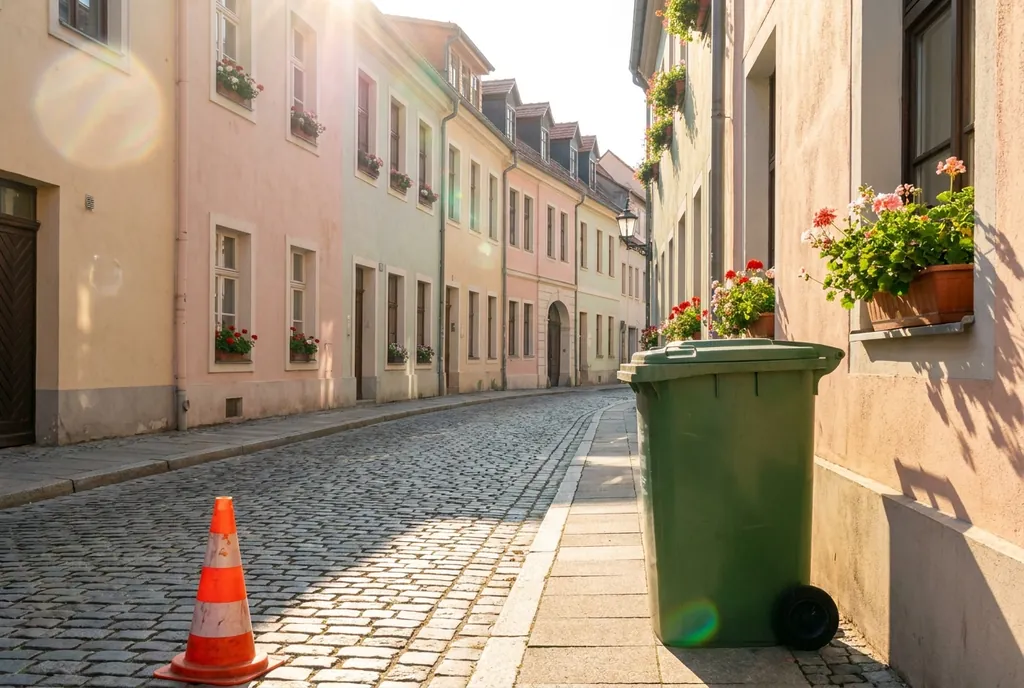
- Scan the edges of the frame before you shoot. Most distractions – a bin, a cone, a stranger's elbow – sit at the edges, where you aren't looking.
- Move your feet. A step to the side often hides a pole or sign behind your subject instead of having it "grow" out of their head.
- Shoot a few frames in busy places. People move. Having several shots means you can pick the one where the crowd is smallest, and only remove what's left.
- Leave some room around your subject. Inpainting needs surrounding background to work from. A subject cropped tight against an object is harder to clean.
- Clean the lens. Smudges and dust create soft spots that are tedious to fix across many photos.
- Use plain backgrounds for product photos. A wall or sheet behind the product makes background removal almost perfect.
- Keep the original. Always download your edit as a new file, so you can go back if you want to try a different cleanup.
When something does sneak into the shot, here's how to remove it.